The Anatomy of a mailto: Link
Break down every part of a mailto: URL — the scheme, recipients, the ? and & dividers, and percent-encoding — with copy-paste examples.
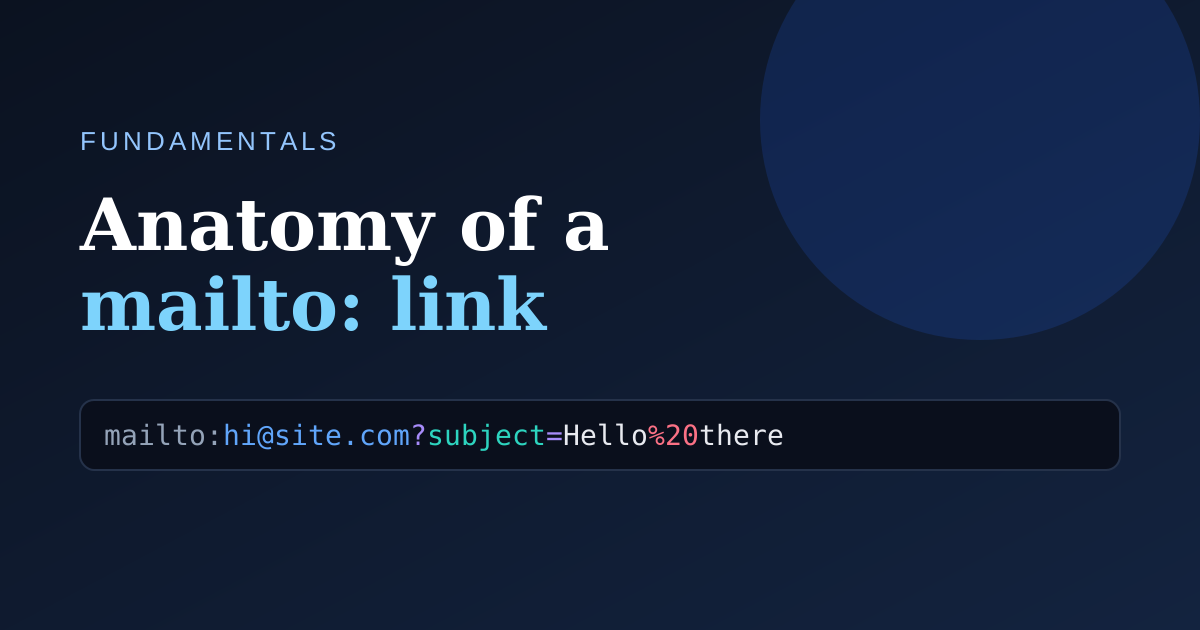
A mailto: link looks cryptic the first time you see one with a subject and body attached. Once you know the four moving parts, it stops being magic.
The scheme
Every mailto link starts with the fixed prefix mailto:. It tells the browser to hand the link to the operating system's default email application instead of navigating to a web page.
mailto:hello@example.com
Recipients
Right after the scheme comes the address. Separate several recipients with a comma:
mailto:alice@example.com,bob@example.com
Parameters and their dividers
Extra fields — subject, body, cc, bcc — are added as query parameters. The first one is introduced with a ?, and every additional one is joined with an &:
mailto:hi@example.com?subject=Hello&body=Hi%20there
Percent-encoding
URLs can't contain raw spaces or many punctuation marks, so they are percent-encoded. A space becomes %20 and a line break becomes %0A. Getting a single code wrong breaks the link — which is exactly the chore a generator removes.
Build one visually with the Mailtolink-generator.com generator and watch the anatomy diagram light up as you type.