Guides February 3, 2026
cc, bcc and Multiple Recipients in mailto: Links
Send to several people at once and add carbon-copy and blind-carbon-copy recipients — the right way, with the correct separators.
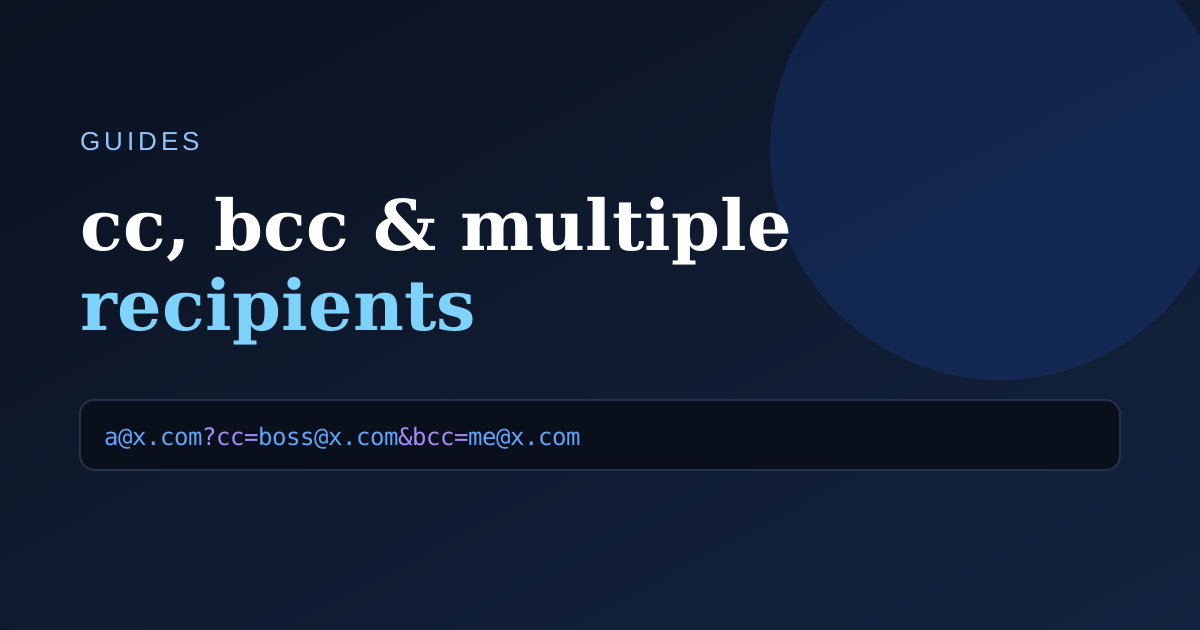
A mailto: link isn't limited to a single recipient. Here's how to reach a whole team.
Multiple people in the To field
Comma-separate the addresses directly after mailto::
mailto:alice@example.com,bob@example.com
Adding cc and bcc
cc and bcc are parameters, so they follow the ? / & divider rules:
mailto:alice@example.com?cc=manager@example.com&bcc=archive@example.com
- cc (carbon copy) — everyone can see these recipients.
- bcc (blind carbon copy) — hidden from the other recipients.
Putting it together
Combine recipients, cc, bcc, subject and body in one link. Order doesn't matter as long as the first parameter uses ? and the rest use &:
mailto:alice@example.com?cc=boss@example.com&subject=Kickoff&body=Hi%20all
Rather than assemble this by hand, drop each address into the matching field of the Mailtolink-generator.com generator and copy the result.